

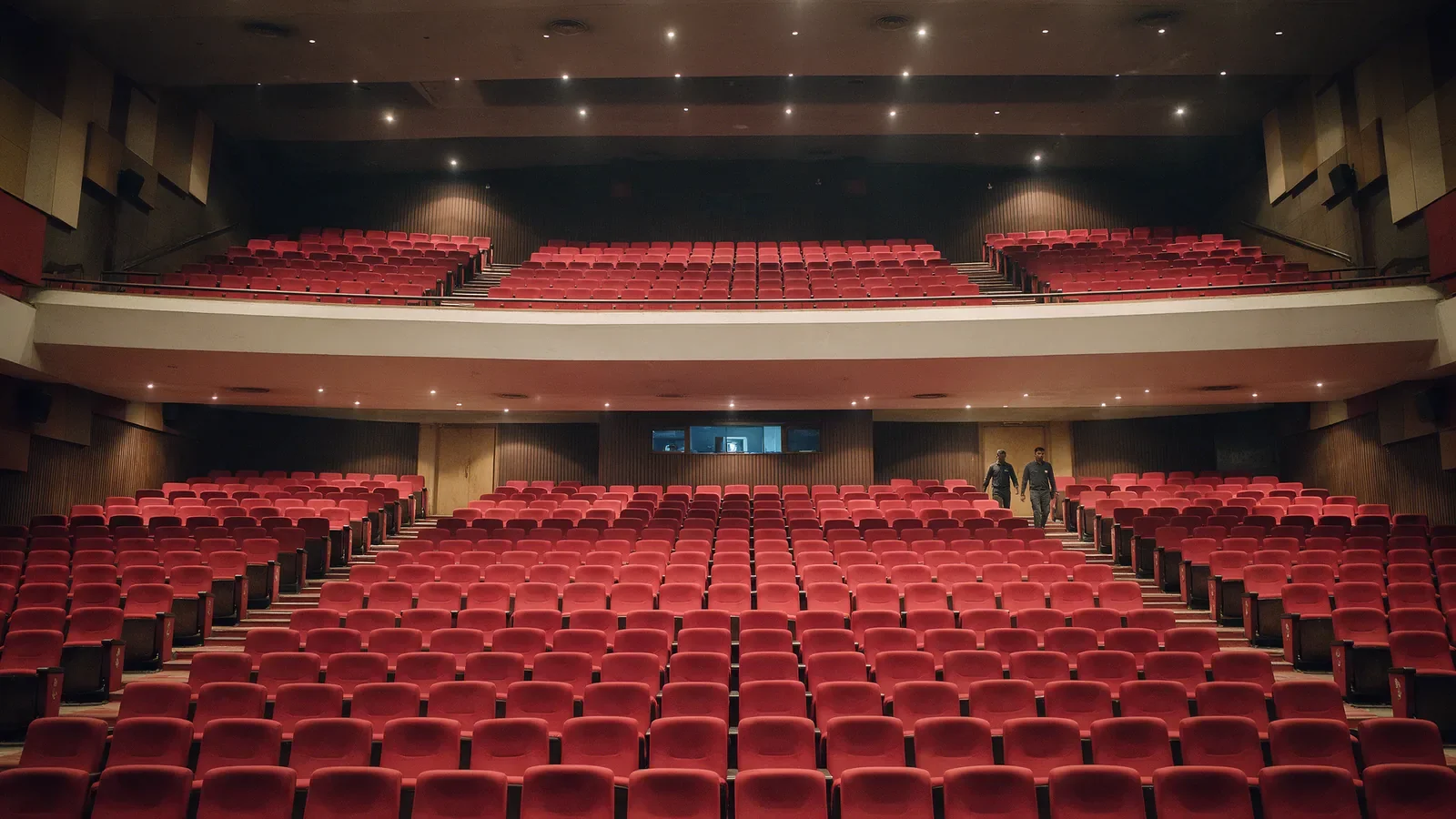
Seated Ticketing in Bangladesh: Seat Maps and Sale Day
How seated ticketing works in Bangladesh on Quicket: draw a seat map, price by section, row or seat, hold sponsor seats and sell each seat once on sale day.
Selling numbered seats is harder than selling entry. With general admission, all you need is a count. With seats, every single chair has to be sold exactly once, at the right price, to someone who chose it. Do it with a printed chart and a pen and you will have two people holding the same seat by the second day of sales. This post covers how seated ticketing works on Quicket, from drawing the map to the moment the gates open.
Step 1: Draw your venue as it really is
Quicket has a venue plan designer in the organizer dashboard. You draw the venue on a canvas instead of filling in a form, which matters because real venues in Bangladesh are rarely neat grids. Auditoriums curve, stadium blocks have different row lengths, and banquet halls are full of round tables.
The designer includes tools for:
Rows of seats, straight or curved, one row or many at once, with automatic numbering.
Tables, sold either per seat or as a whole table.
Standing zones inside the same plan, for a standing floor in front of a seated balcony.
Objects such as the stage, bars and exits, so buyers can see where they will be.
Seat tags for wheelchair spaces, companion seats, restricted view and aisle seats.
You can start from a template or trace over an image of an existing seating chart. Plans keep a version history, so if a change goes wrong you can roll back, and a plan is only visible to buyers once you publish it and attach it to your event.
Step 2: Price by section, row or seat
Seat maps are where pricing gets detailed. On Quicket each seat gets its price from the most specific rule that applies to it. You can set a default price for a tier such as Premium or Regular, then override it for a row, a range of columns, or a single seat. That makes it easy to charge more for the centre of the front rows without creating dozens of ticket types. A price heatmap in the designer shows the whole venue at once so you can spot a seat priced wrongly before buyers do.
Step 3: Hold back what you need before sale day
Every seated show has seats that should never reach the public: sponsor allocations, artist guests, the press, the organizer's own team. Quicket gives you four actions on any group of seats you select on the map:
Hold seats for a set time with a note, for example while a sponsor confirms numbers.
Reserve seats permanently with a reason, which takes them off sale.
Generate passes for a named person, either as complimentary or as paid tickets.
Mark sold for seats sold outside the platform.
Do this before you open sales. It is much easier to release a held block later than to explain to a sponsor why their seats went to the public.
Step 4: Sale day
This is where seated ticketing usually fails, so it is worth knowing what happens under the hood.
Buyers pick their own seat
On the event page, buyers see a zoomable map and tap the exact seats they want. Standing zones and other ticket types can sit alongside the map, so one checkout can cover both.
A selected seat is held, then released
When a buyer picks a seat, it is held for them for ten minutes by default, and they see a countdown while they pay. If they do not finish, the hold expires and the seat goes back on sale automatically. Nobody has to clear abandoned seats by hand.
One seat, one buyer
Every hold and every sale is checked and written in a single atomic step. A seat that is already held by someone else, sold or blocked cannot be taken, and at checkout a buyer can only pay for seats they are holding themselves. That is what stops the same seat being sold twice when hundreds of people open the map at the same minute.
You see the room fill up
The organizer seat view refreshes every few seconds and shows which seats are sold, held, reserved or still open, and whether a hold was placed by a buyer or by your team.
Step 5: At the gate
Each seated ticket carries its seat, and each ticket is a QR code scanned at entry with the Quicket web scanner. A ticket that has already been scanned shows when and by whom, so a copied ticket does not get a second person in. If your ushers need to help someone find their seat, the seat is shown with the ticket.
When to choose seats at all
Seats are worth it when location changes the experience: theatre, classical and seated concerts, comedy, award nights, and stadium matches where buyers care which block they are in. For a festival or a club night, general admission is usually simpler. If you are unsure, read seated vs general admission.
Sale day checklist
Map drawn, numbered, tagged and published.
Prices checked on the heatmap.
Sponsor, guest and press seats held or reserved.
On-sale time announced, event link shared.
Gate staff added to the scanner list.
Quicket has sold more than 450K tickets across 250+ events for 200+ organizers, including Bangladesh national football team home matches. Read more on football ticketing, or start selling on Quicket. For pricing, talk to us.