

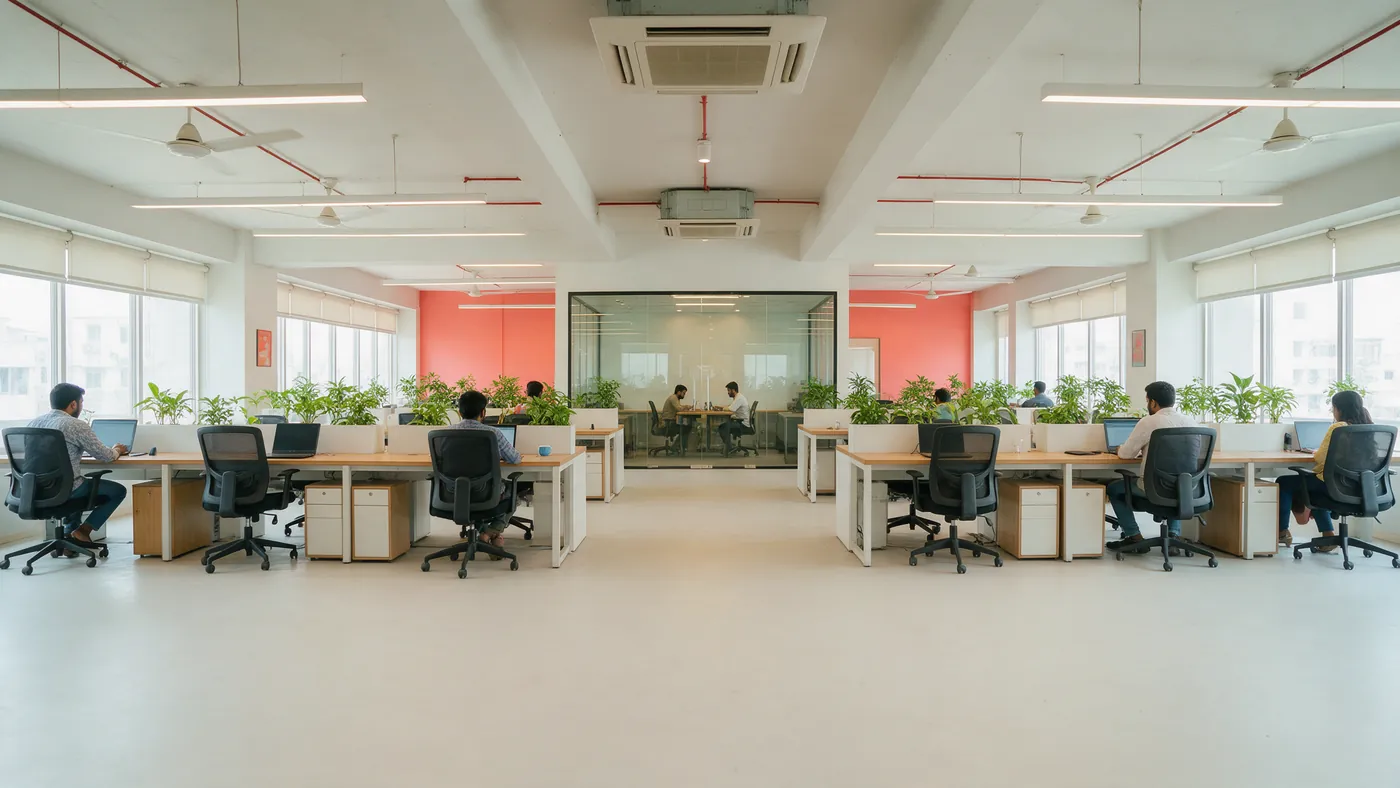
A workspace sells two things with completely different shapes. A desk or a day pass is access: somebody turns up, uses the place, and the only limit is how many people the floor holds. A meeting room is a block of time with a hard start and end, and the failure mode is two teams walking into the same room at ten. Most spaces run the first in a membership spreadsheet and the second in a shared calendar, and the two never meet.
The shared calendar problem
It works until the space is busy enough to matter.
- Meeting rooms are booked in a shared calendar that anybody can edit and nobody owns
- Day passes are cash or a transfer, with no record of who was in the building
- Members are tracked in a spreadsheet, so who is current and who lapsed is a monthly reconstruction
- After-hours access is a key, a code shared by everybody, or somebody staying late
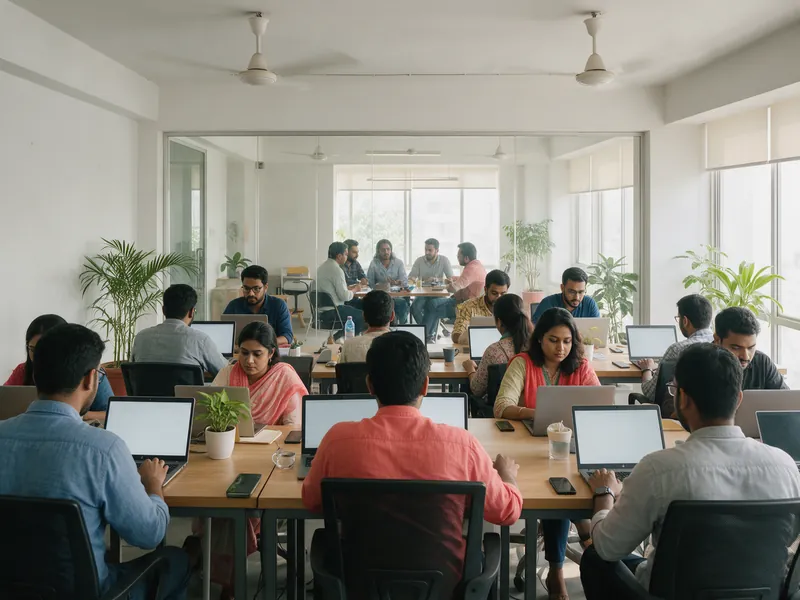
Ten o'clock on a Tuesday is when a shared calendar stops being good enough.
Access and blocks are different products
Treating a day pass and a meeting room as the same kind of booking is what makes workspace software awkward. One is permission to be in a building, limited by total occupancy. The other is exclusive use of something for a defined hour.
Here they are set up as what they are. Passes carry a scan rule and a duration. Rooms are booked as blocks with turnaround between them, so the ten o'clock does not overlap the nine that ran long. Both come off one count of the building, so a day that is full of pass holders is visible before it is also full of meeting attendees.
What you get
Sized for an independent space rather than for a chain with its own access control system.
- Hourly and daily blocks for rooms, with turnaround between bookings and a cut-off for same-day requests
- Day passes, multi-visit books and memberships, with the scan rule decided per product
- Floor occupancy counted as people in the building, which is the real limit on a hot-desking floor
- Closures and capacity rules for holidays, private hire and the weeks you are running an event
- Entry by scan with permissions per person, and a record of who was in the building and when
- A member record showing usage, so the member who never comes and the one who is there daily are distinguishable
It books a room type, not a numbered room
This counts how many rooms of a kind are free, rather than assigning booking to room 3 specifically. If you have four identical six-person rooms, that distinction never surfaces and the model works exactly as you would want. If your rooms are genuinely different and members book a particular one by name, or if you need the booking to drive a door controller for that specific room, this is not there yet. The honest workaround is to model each distinct room as its own bookable thing, which works well up to a handful of rooms and becomes unwieldy past that.
Common questions
Can somebody book a specific meeting room?
Only by modelling each room as its own bookable thing, which is fine up to a handful and clumsy beyond that. By default it counts how many rooms of a type are free rather than assigning a numbered one, so four identical rooms work perfectly and four very different ones need the explicit setup. Assigning a booking to a specific numbered resource is not something the calendar does today.
How do day passes and hot desks work?
As access rather than as a seat. A day pass is a pass with a scan rule, and the floor is limited by how many people can be in it at once rather than by how many chairs there are. That is the right model for hot desking, and it means a busy day is visible as occupancy rather than discovered when somebody cannot find a seat.
Can we sell monthly memberships?
Yes, as a pass bought for a period, with the entry rule set per membership tier. What it does not do is charge automatically each month: a renewal is a new purchase rather than a recurring charge on a saved card. You can see who is expiring and carry them as a segment to prompt, but the billing itself is not automated.
What about access outside staffed hours?
Entry is by scan with permissions granted per person, and every scan is recorded with the device, the person and the time. That gives you a record of who was in the building out of hours, which is usually the actual requirement. It does not integrate with an electronic door controller, so the physical lock stays whatever you use today.
Can we invoice companies monthly?
Not from here. Bookings are paid at the point they are made, or taken at the counter with the tender recorded. There is no account billing and no PDF invoice generation in the product today, so company accounts stay in whatever you use for that. Worth raising early if most of your revenue is invoiced rather than paid up front.
Other industries we work with

Photography and creative studios
Hourly blocks with turnaround built in, add-ons for kit, and paid before the door opens.
Read more
Equipment and vehicle rentals
Hire by the hour or the day, counted against how many you actually own.
Read more
Turf and sports grounds
Sell the hour on your own page and in the marketplace, off one calendar.
Read moreTell us about the event
Send your room list with sizes and hourly rates, what a day pass and a membership are allowed to do, and how many people the floor takes comfortably.
Prefer email? support@quicket.me