


Most events still sell at the door: the people who decided on the day, the group that waited for one more friend, the queue that forms an hour before the show. Quicket POS is the app your counter staff use for those sales. It sells from the same ticket categories as your online store, so a ticket sold at the counter is gone everywhere at once, and every sale lands in the same orders and revenue reports as the web.
How it works
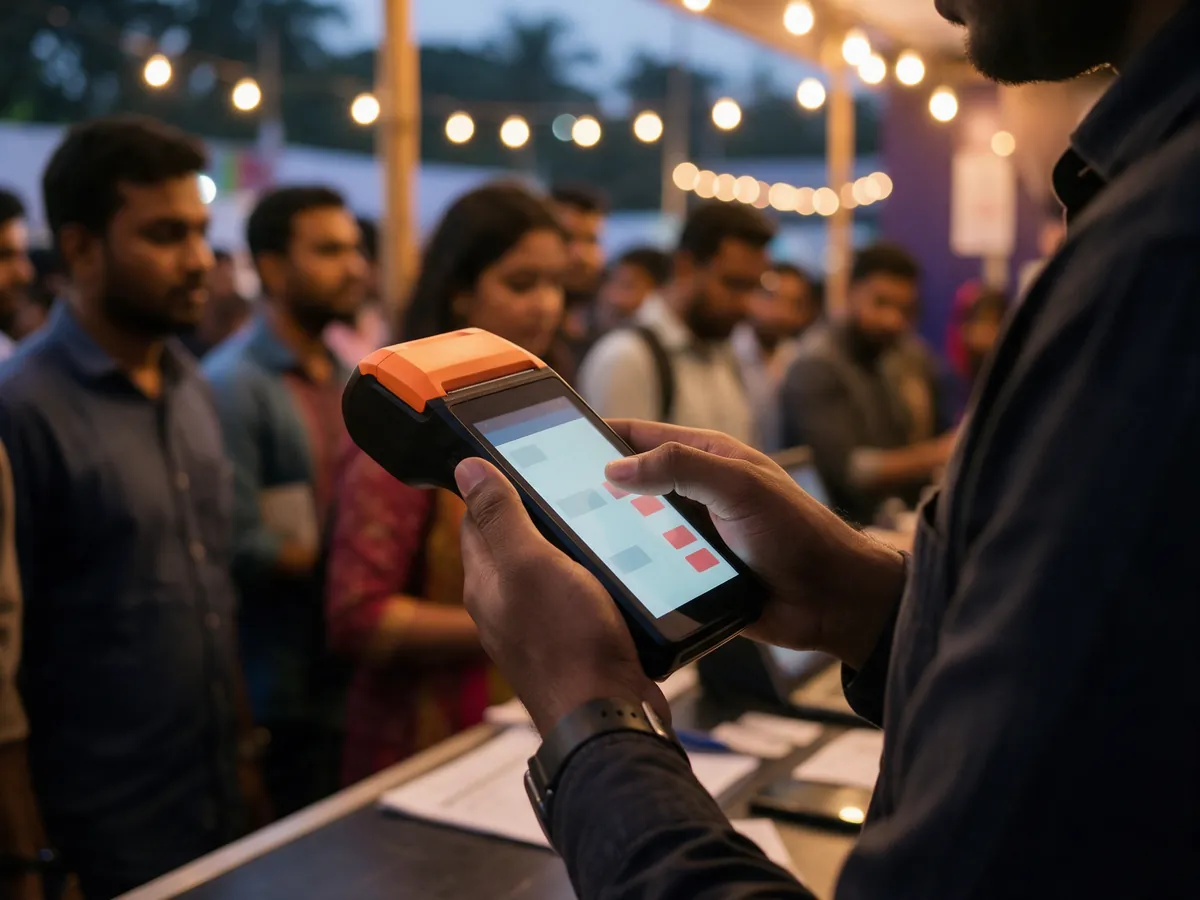
Pick the event and the tickets
Pick an event you have been given access to sell for, then add ticket categories and quantities.
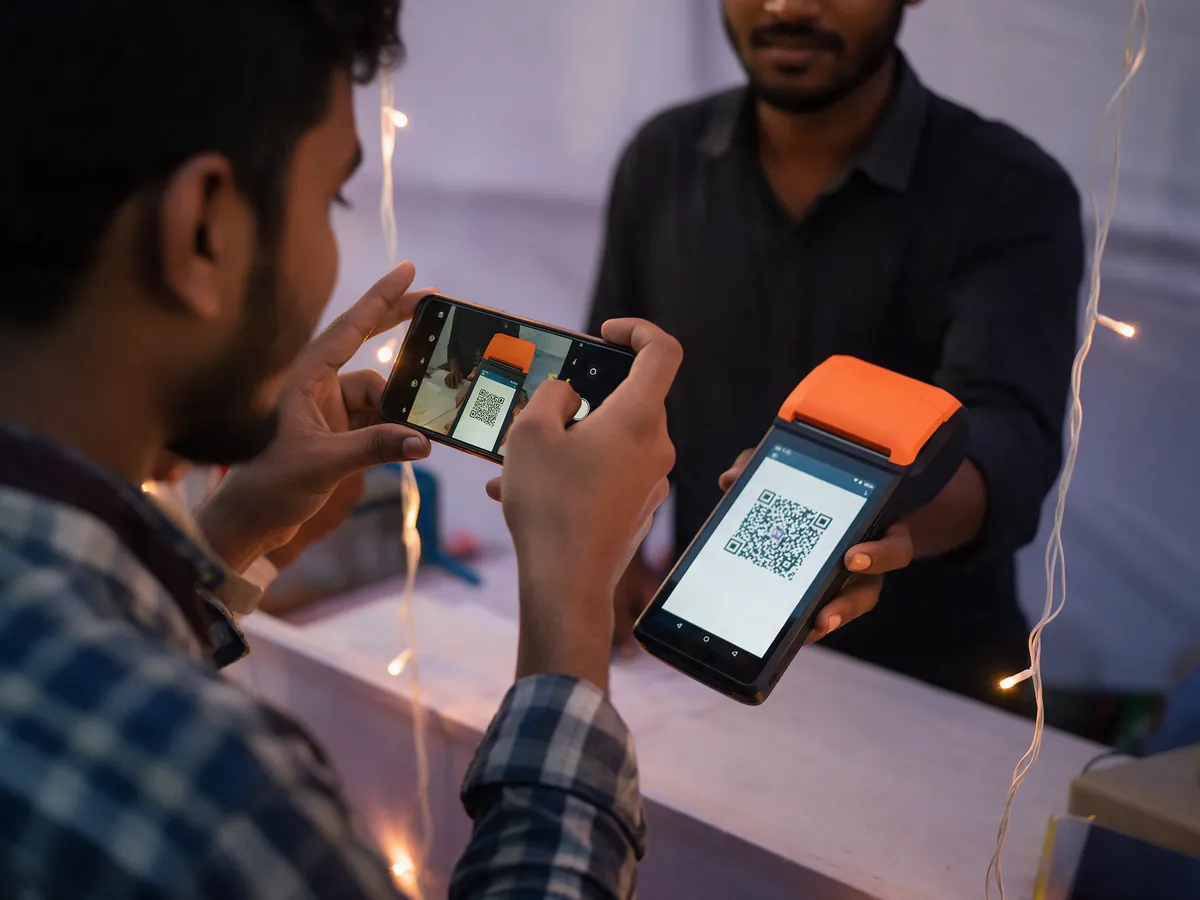
Take the payment
Take Bangla QR, card on your bank's own terminal, or cash; with Bangla QR, tickets are issued only once the payment is confirmed.
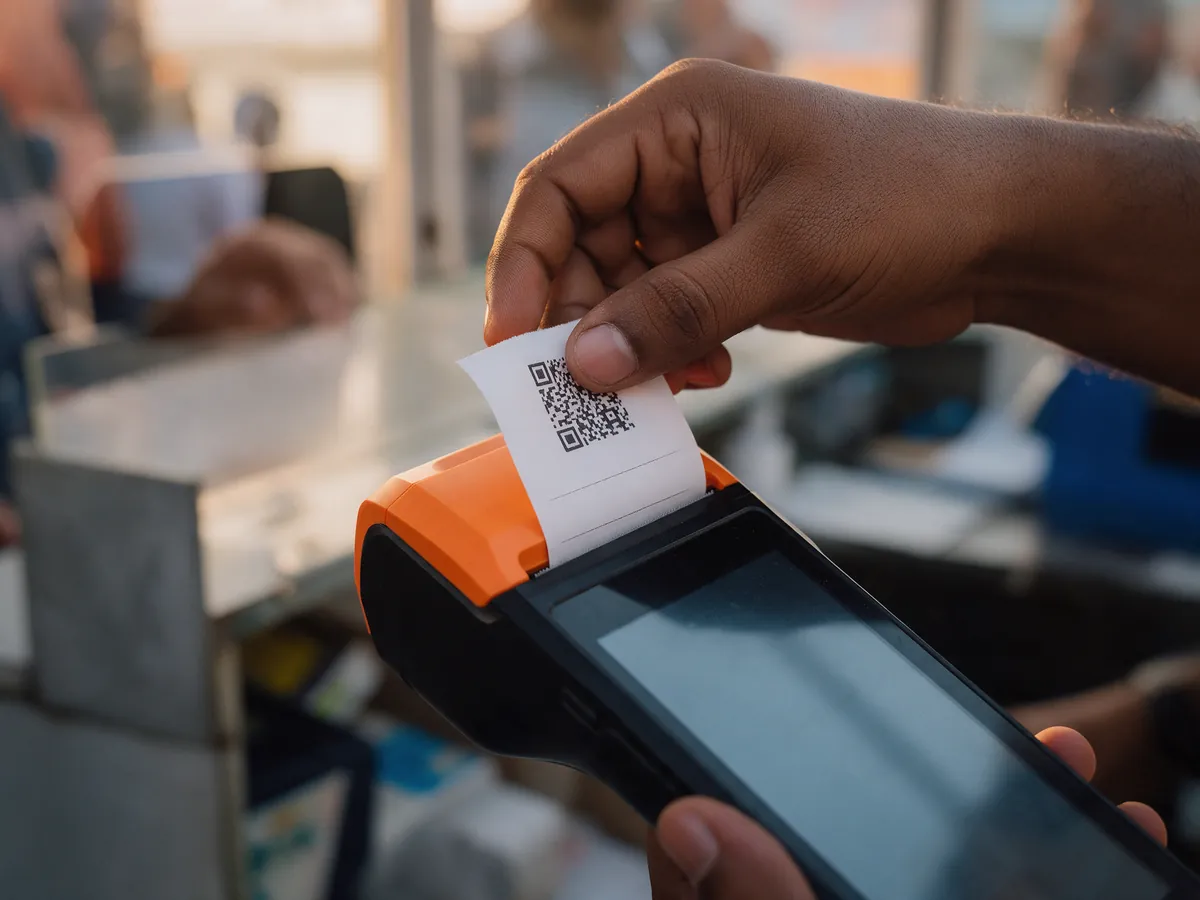
Print the tickets
A thermal ticket prints for every ticket sold, each with its own QR code for the gate.
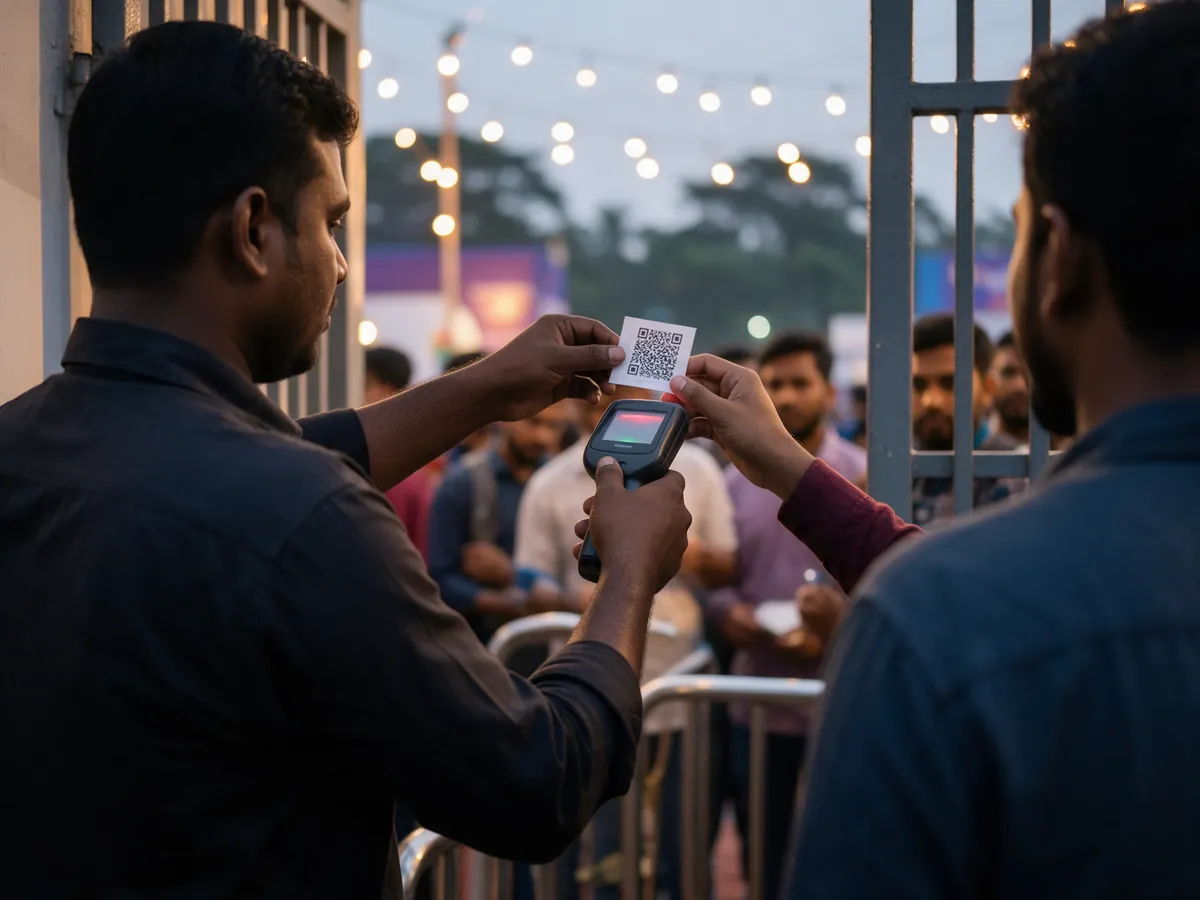
Scan at the gate
Gate staff scan the QR code on each ticket at the entrance.
A sale, start to finish
What the person behind the counter actually does.
- Sign in and pick an event they have been given access to sell for
- Add ticket categories and quantities, plus add-ons and their variants
- Take the attendee's name, if you want one on the ticket
- Add a custom amount line, where the organizer has granted that separately
- Show the price as the server worked it out: subtotal, the platform fee as its own line, and the total collected
- Confirm, and the whole sale goes through or none of it does, so a half-finished basket never leaves inventory short
Three ways to pay, counted separately
Each method is recorded on its own, so the drawer, the card terminal and the QR takings each reconcile against their own number.
Bangla QR
The buyer scans a Bangla QR code and pays through Pathao Pay. Tickets are issued only once the payment is confirmed, not when the code is shown.
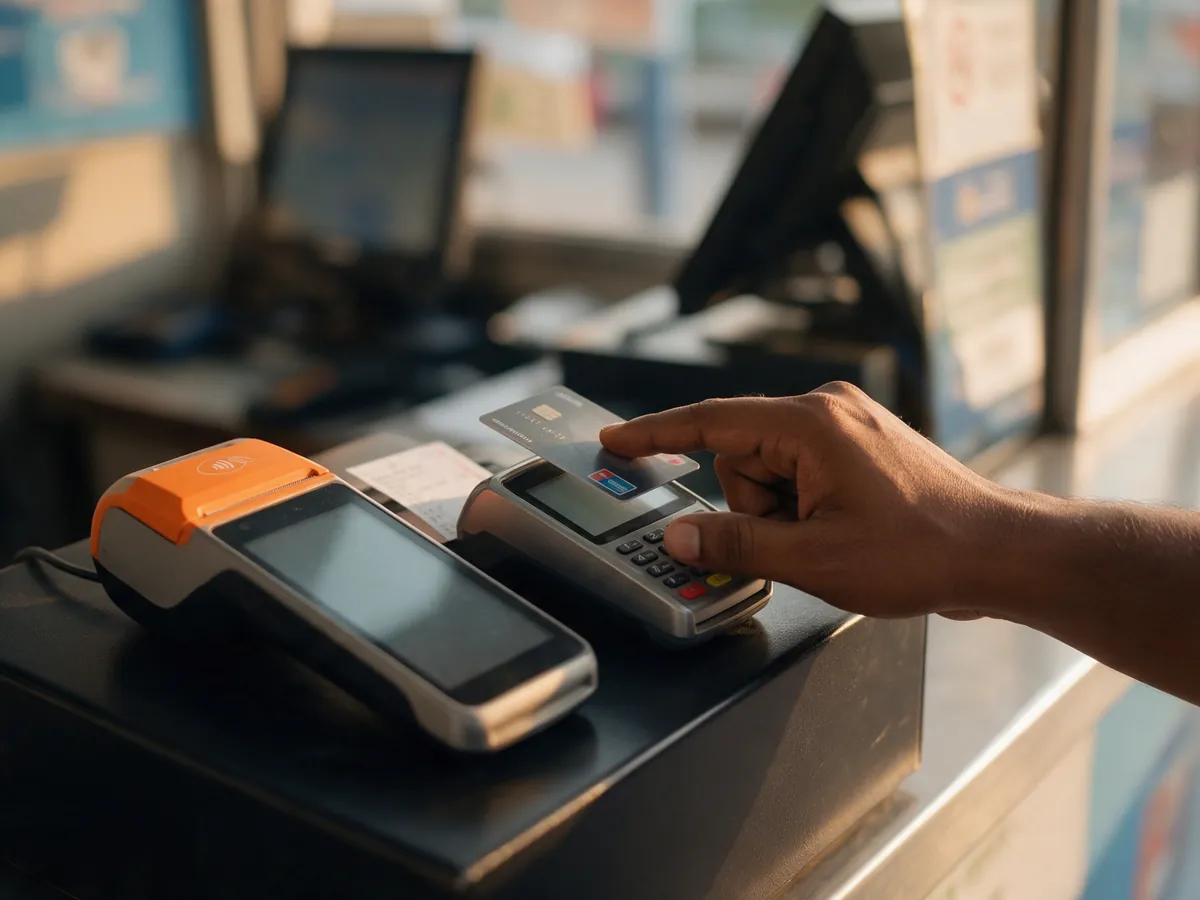
Card
Taken on your bank's own card terminal. Quicket POS records the sale; it never touches the card details.
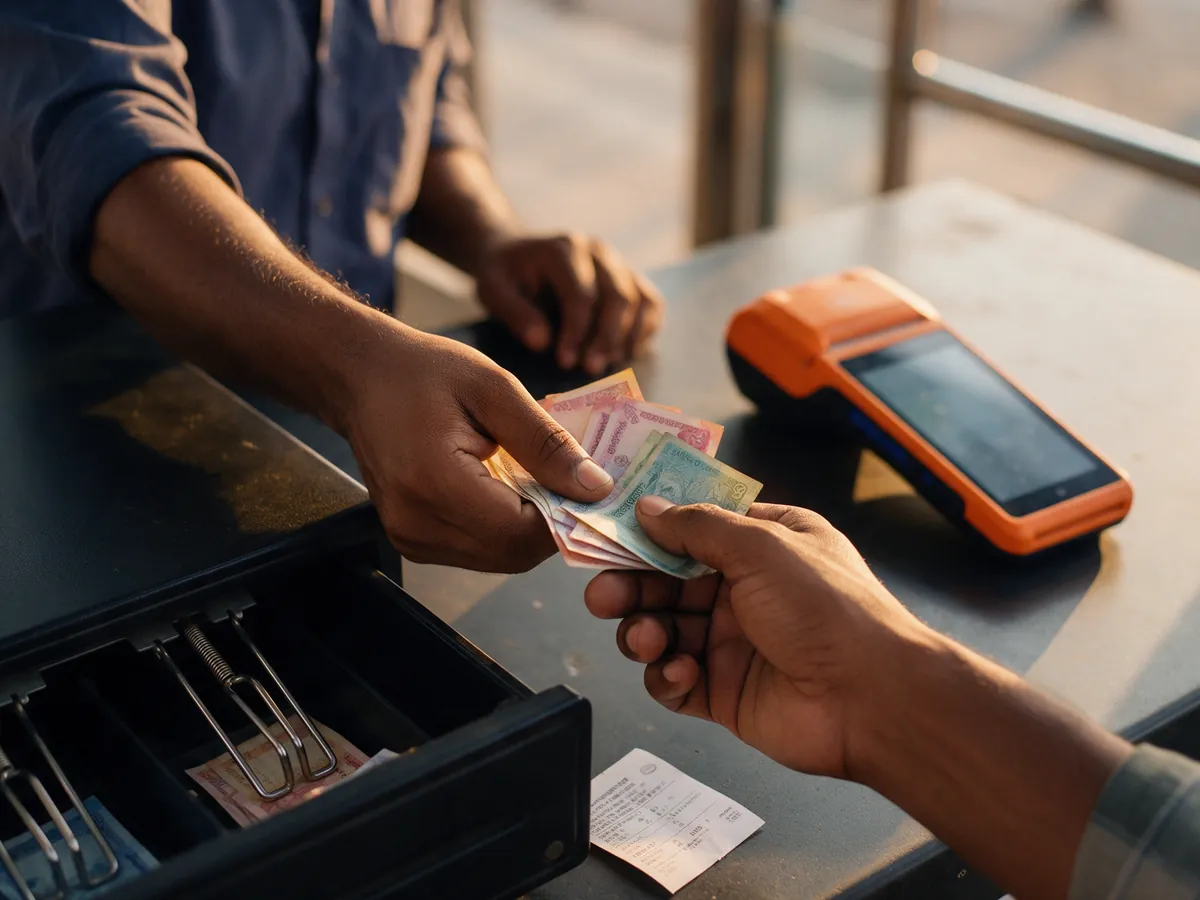
Cash
Recorded as cash against the sale, so what should be in the drawer is a number rather than a guess.
Printed at the counter
- A thermal ticket for every ticket sold, each with its own QR code for the gate
- An items receipt for the whole sale
- Printed on a Bluetooth ESC/POS thermal printer paired with the device
- Reprint from the receipt screen, with the print status shown for each sale
- A sales history and a running total for today, on the device itself
Who can sell
Admins of a verified organization can sell for their own events. Anyone else needs it granted: the organizer turns on "Allow POS sales" for a member of their gate staff, event by event. Custom amounts are a separate permission, so the person who can sell a ticket is not automatically the person who can type in a price.
How it fits with the rest
Counter sales sit beside online ones in the organizer dashboard. The revenue view splits online from box office, and box office sales by payment method. Each order shows the operator who sold it, the attendee names and the payment reference, and is marked as sold at the box office. The tickets it prints scan at the same gate as the ones bought online. If you would rather not staff the counter or source the stock yourself, our staffing and printing services cover the people and the paper.
Common questions
Does it work without internet?
No. Quicket POS needs a connection to make a sale, because every sale is checked against live inventory and priced by the server. Plan for reliable mobile data or Wi-Fi at the counter.
Can it sell reserved seats?
Not today. Quicket POS sells general admission ticket categories, plus add-ons. Reserved seats on a venue plan are sold through the online store.
Which payment methods can it take?
Bangla QR through Pathao Pay, card on your own bank terminal, and cash. Each one is recorded separately, so each can be reconciled on its own.
Can staff refund or void a sale on the device?
No. Refunds are handled from the organizer tools, not from the counter app, so the person taking the money is not the person giving it back.
Who is allowed to sell?
Admins of a verified organization, and any member of the gate staff the organizer has granted "Allow POS sales" for that event. Selling a custom amount needs its own, separate permission.
The rest of what we do

Ticketing
Sell online on your own domain and at the gate on the day, off one inventory.
Read more
Ticket printing
Tickets, wristbands and passes that scan against the same inventory as the digital ones.
Read more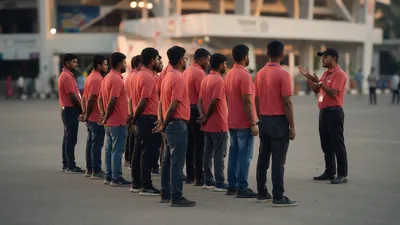
Event staffing
Trained crew for the gates, the box office and the accreditation desk.
Read moreTell us about the event
Tell us the event, how many counters you expect to open and roughly how many walk-ups. We will help you set up Quicket POS for your counter staff.
Prefer email? support@quicket.me