

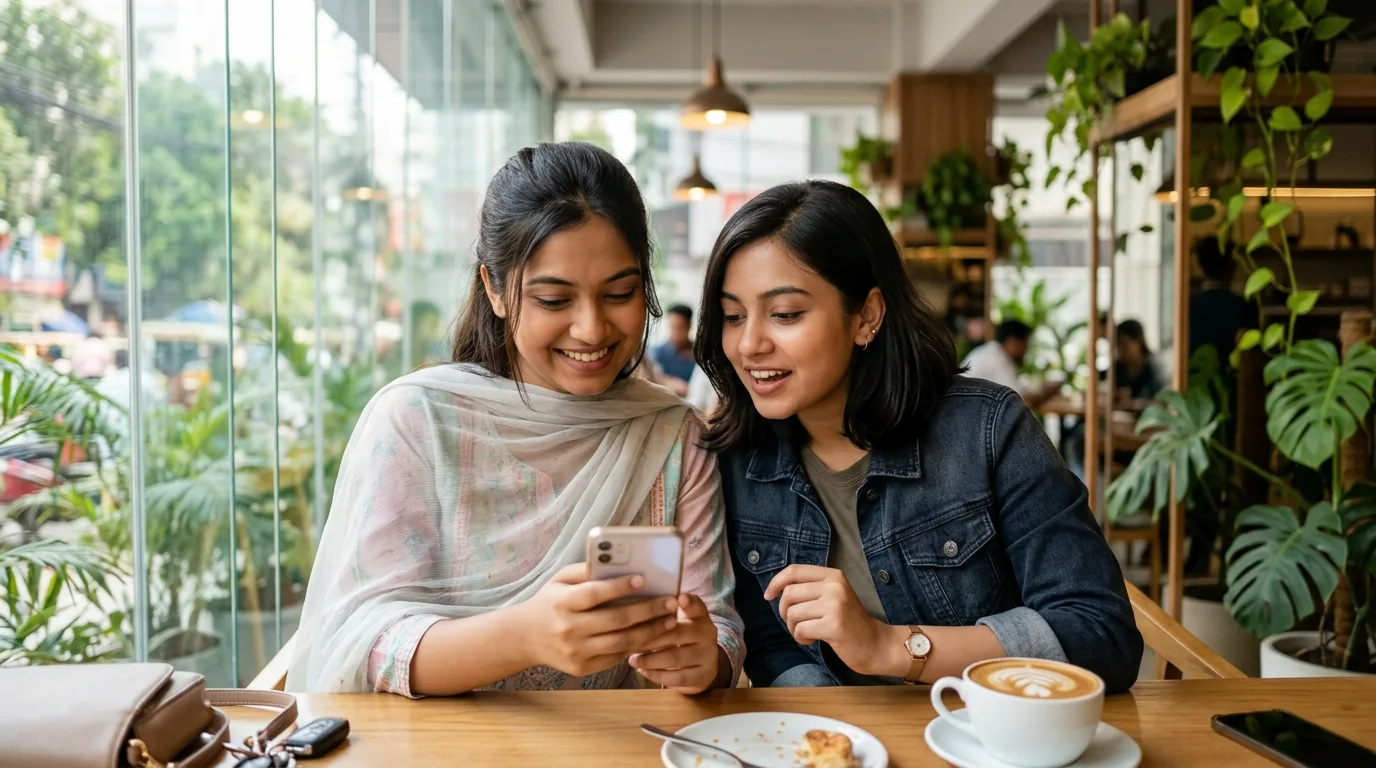
Taking bKash and Pathao Pay for Your Event Tickets
How organizers in Bangladesh take bKash, Pathao Pay and card payments for event tickets on Quicket, with no screenshots, no manual matching and clear refunds.
Ask any organizer in Bangladesh how their buyers want to pay and the answer is almost always the same: from their phone, in a few taps. Mobile wallets like bKash and Pathao Pay are part of daily life, and some of your audience will still prefer a card. The problem has never been the wallets. It has been everything around them: a personal number on a poster, screenshots in the inbox, and a spreadsheet to match transaction IDs at two in the morning.
This post explains how taking bKash and Pathao Pay works when you sell through Quicket, what you need to do as an organizer, and what you no longer have to do.
The old way: send money and send a screenshot
Manual wallet payments feel free, but they cost you in other ways.
No proof that is hard to fake. A screenshot of a payment is easy to edit and easy to reuse.
Matching by hand. Every payment has to be checked against a statement and tied to a name before a ticket goes out.
Lost buyers. Someone who has to send money, wait for a reply and then wait for a ticket often gives up halfway.
Personal numbers on public posts. Your number ends up everywhere, and so do the calls.
How it works on Quicket
When a buyer chooses tickets on your event page, they pick a payment method at checkout. For events priced in taka, the methods offered to buyers include bKash, Pathao Pay, and cards and other options through SSLCommerz.
The buyer is sent to the payment provider to approve the payment in their own wallet or card flow. When the provider confirms the payment, the order is completed and the ticket is issued with its QR code. If the payment is not completed, no ticket is issued and the held tickets go back on sale.
For you, that means:
No screenshots to check. A ticket only exists once the provider has confirmed the payment.
No matching. Each order already carries the buyer, the tickets, the payment method and the gateway transaction ID.
No personal number on your poster. You share the event link, not a wallet number.
What you need to set up
Less than you might expect. You do not need your own bKash merchant account or Pathao Pay integration to sell tickets on Quicket. Payment methods are set at the platform level, so a new event gets the standard methods for its currency. If your event has a special requirement, such as a sponsor that wants a particular payment method promoted, talk to us and we will look at it with you.
What you do need is a verified bank account. In your organization's banking settings you add the account and a verification document. Adding an account does not trigger a transfer on its own; payouts to verified accounts are handled by the Quicket finance team. Each event has a payouts page that shows revenue, the organizer share, what has been disbursed and what remains, and you can download a statement for your own records.
Refunds
Plans change, and a clear refund policy builds trust before anyone buys. On Quicket you set the refund policy per event: whether refunds are allowed, how much is refunded, and the window during which buyers can ask. Buyers request a refund for their order, and you review and approve or reject each request from the event's refunds page. For bKash orders, approved refunds can be sent back to the buyer's bKash. You can export your refund requests as a CSV.
Tips to get more people through checkout
Say which methods you take. Put "Pay with bKash, Pathao Pay or card" in your posts. Buyers who are sure they can pay are more likely to click.
Share the link, not instructions. A single link to the event page is shorter than any explanation of how to send money.
Use the event page for questions. Answer gate time, age limit and refund policy on the page so buyers do not stop to message you.
Watch abandoned carts. Quicket records carts that were started but not paid, which tells you whether people are dropping off at checkout.
Selling from your own website
If buyers come from your own site, you can add a Quicket ticket button there. When a buyer pays with bKash or Pathao Pay from the widget, the payment opens in a new browser tab and the widget picks up the result when it is done. Read more in embedding a ticket widget.
Buyers have questions too
If your audience is new to buying tickets online, send them our step by step guide on buying tickets with bKash. It walks them through each step, from choosing tickets to getting the QR code.
Quicket has sold more than 450K tickets across 250+ events for 200+ organizers in Bangladesh and beyond. To find out how it would work for your event, start selling on Quicket or see why organizers call it the best ticketing platform in Bangladesh. For pricing, talk to us.