


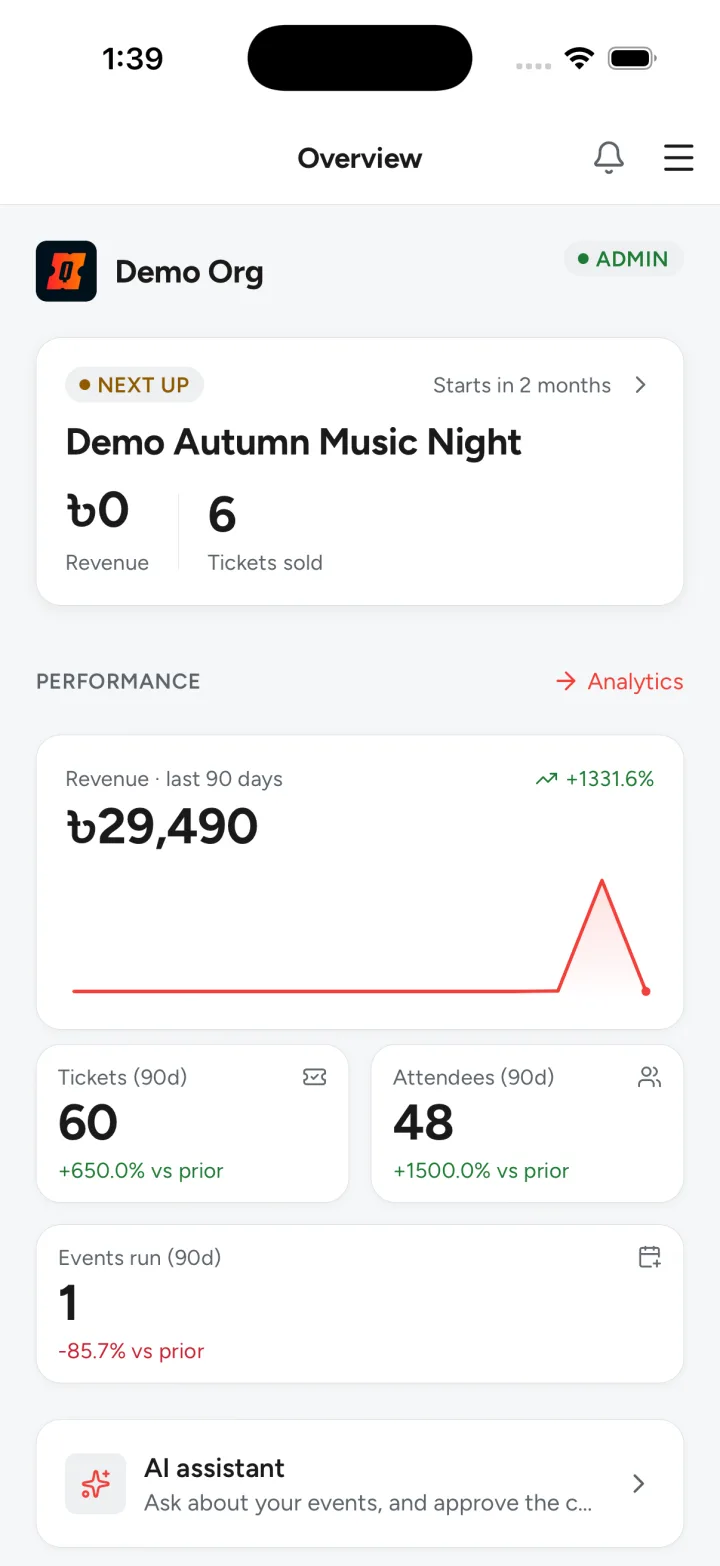
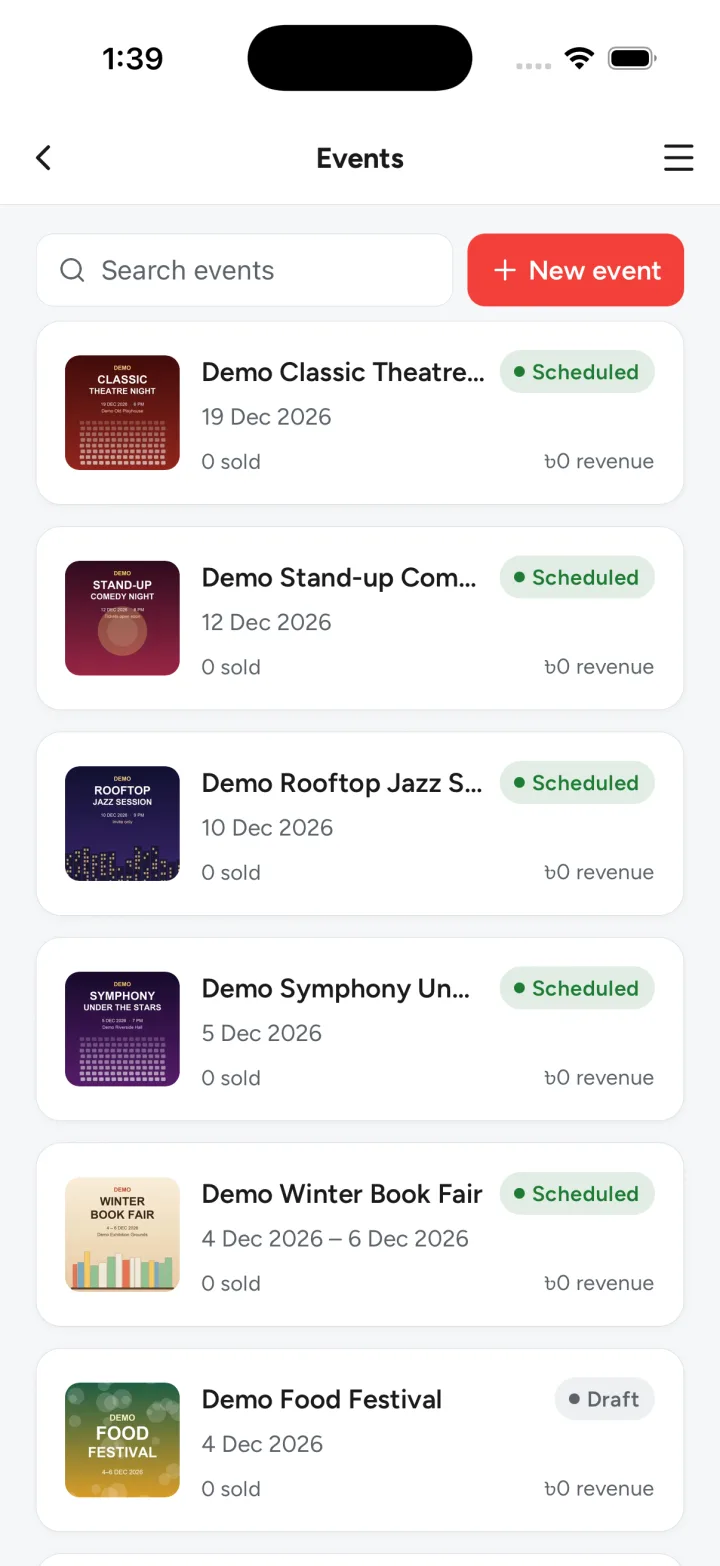
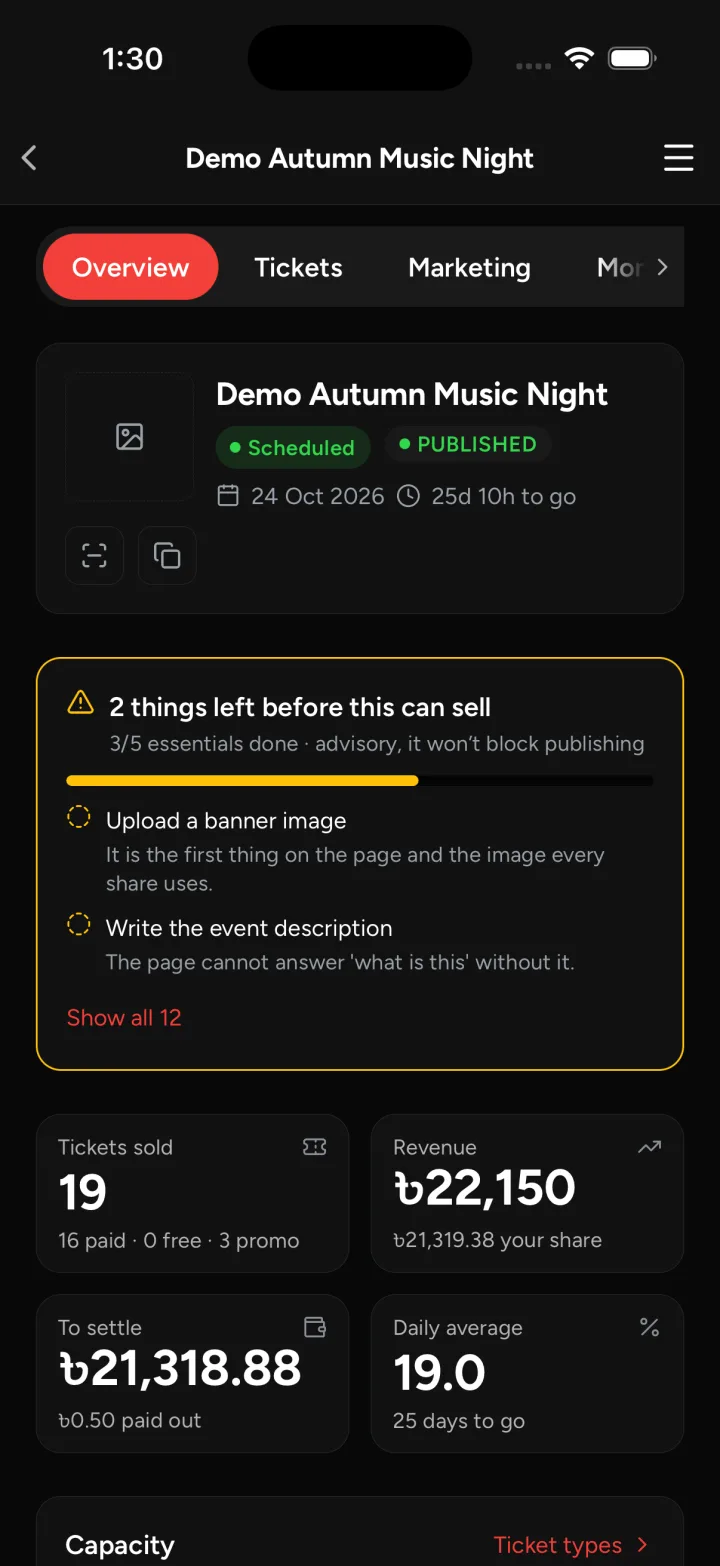
Organizers do not spend event day at a desk. Quicket Studio is the Quicket organizer app for your phone, for the hours when you are on your feet: answering a question at the gate, checking how the last release is selling, sending an update to everybody holding a ticket. It works in English, Bangla and Thai, in light and dark.
A look inside
Real screens from the app, with demo data.
What it does
Four jobs, on the same account and the same events as the web dashboard.
Build the event
Create an event from scratch or start from a draft written with AI, then set up the details, tickets, add-ons, coupons, registration fields, seat management and venue plans.
Run the door
A camera scanner that answers ADMIT, ALREADY IN or DO NOT ADMIT, guest lookup by name, phone or order, undo for a mistaken check-in, and a live entry monitor.
Look after attendees
The attendee list with bulk actions, pass resends, manual and complimentary passes from the pass generator, updates by email or SMS, and an inbox.
Follow the money
Transactions, refunds and transfers, revenue and event analytics, and push notifications on your phone.
A door that keeps working when the signal does not
Gates are where the network is worst, so scanning does not depend on it.
- Download the guest list to the phone before the doors open
- Keep scanning with no connection; scans queue on the phone
- Queued scans sync once the connection is back
- Any conflicts found during the sync are shown to you
Your team, on their own phones
Add team members and give them roles, so the person on the door has the door and not the revenue. Everyone signs in with their email, a sign-in code, Google or Apple.
How it fits with the rest
Quicket Studio is for the organizer and their team. It is not the box office: selling tickets at a counter is what Quicket POS does. And nothing in Studio is exclusive to it. Everything it does is already in the web organizer dashboard, which works today in any browser.
Common questions
When can I get it?
Soon. Quicket Studio is waiting on review in the App Store and on Google Play, and it is not available to download yet. We will not point you at a store page until there is one.
What can I do today?
Everything Studio does, in the web organizer dashboard. Sign up from the Host events page and you can build an event, sell tickets and run the door from a browser today.
Will door scanning work without internet?
Yes. Download the guest list before the doors open and keep scanning with no connection. The scans sync when the connection returns, and any conflicts are shown to you.
Which phones will it run on?
iPhone first, with Android following: the Android version is in testing now.
Which languages does it support?
English, Bangla and Thai, in light or dark mode.
The rest of what we do

Ticketing
Sell online on your own domain and at the gate on the day, off one inventory.
Read more
Box office
Quicket POS at the counter: walk-up sales from the same inventory as your web store, with printed tickets.
Read more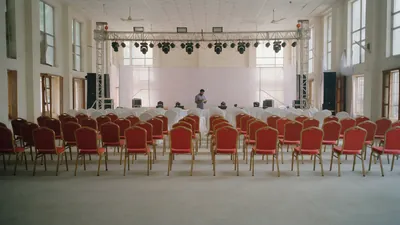
Event management
The plan behind the door: layout, run of show, and a team on site for the day.
Read moreTell us about the event
Want early access? Tell us who you are and which events you run, and we will let you know when Quicket Studio is in the stores. Until then, the web dashboard does all of it.
Prefer email? support@quicket.me