


1. Plan the event
A few decisions up front make the ticket setup simple.
Date and time
Fix the date, the start time and when gates open. Check for clashes with big matches, holidays and exams that pull your audience away.
Venue and capacity
Your ticket count should never be more than the venue can safely hold. If the venue has fixed seats, get the seating layout early so buyers can pick seats.
Ticket price
Work out your costs and how many tickets you expect to sell, then set prices per ticket type. A clear price ladder (for example general and VIP) is easier to sell than many small differences.
Who handles what
Decide who manages sales, who answers buyer questions and who runs the gate on the day. You can add team members to your organizer account.
2. Choose your ticket types
Quicket supports several kinds of tickets. Mix them in one event as you need.
General admission
Ticket categories with a name, price and quantity, like Regular or VIP. You can hide a category or share it only by direct link.
Seated tickets
Set up a venue plan so buyers pick their exact seat on a map. Each seat can be sold only once.
Team registration
For tournaments and competitions: one buyer registers a whole team and adds each member's details.
Combo tickets
Bundle several tickets together, with add-ons such as merchandise or meals if you want, and sell them as one package.
Approval-only tickets
Use a whitelist when only invited or approved people may buy. Requests come to you and you approve who can get in.
Coupons and add-ons
Create coupon codes for discounts, and sell extras like parking or food alongside the ticket.
3. Create the event on Quicket
Everything happens in the organizer dashboard.
Step 1: Create your organizer account
Sign up on the organizer dashboard and create an organization. This is the name buyers see on your event page.
Step 2: Add the event details
Enter the title, date, venue, description and cover image. You can also start from a short description and let the AI draft the event for you to edit.
Step 3: Set up tickets
Add your ticket categories, prices and quantities, and any seating plan, coupons or add-ons.
Step 4: Add your bank account
Add the bank account where your ticket money should go. Quicket verifies it before any payout.
Step 5: Publish
For new organizer accounts, our team checks the event before it goes live. Once it is published, your event page is open for sales.
4. Payments in taka, and payouts
Buyers pay in taka with the methods people in Bangladesh already use. You don't need your own payment gateway.
- bKash: buyers pay from their wallet with their number, a code and their PIN.
- Pathao Pay: payment from the buyer's Pathao Pay wallet.
- Cards and others: debit and credit cards and other options through SSLCommerz.
How payouts work
Payouts are processed after your event and transferred in BDT to your verified bank account. Each transfer is made by our finance team and recorded on the event's Payouts page, where you can download a statement. Contact us to confirm timing for your event.

5. Promote your event
Buyers need to find the event and trust the page they land on.
Your event page
Every event gets its own page on quicket.me with details, tickets and checkout in one place. Share that link on Facebook, Instagram, WhatsApp and in your ads.
Your organizer page
Your organization gets a public page listing all your events, so returning fans can find what's next.
Ticket widget on your website
Put Quicket's ticket widget on your own website so people buy without leaving it.
Coupons for partners
Give a separate coupon code to each sponsor, club or community group, and see how many tickets each one brings in.
6. Sale day and the gate
Follow sales as they come in, then check people in quickly at the gate.
Watch sales live
The dashboard shows tickets sold, revenue and attendee details as orders come in.
Keep buyers informed
Send updates to ticket holders by email or SMS: gate times, parking, a change of plan.
Set up your gate team
In Gate management, add your scanner staff and assign them to gates before the doors open.
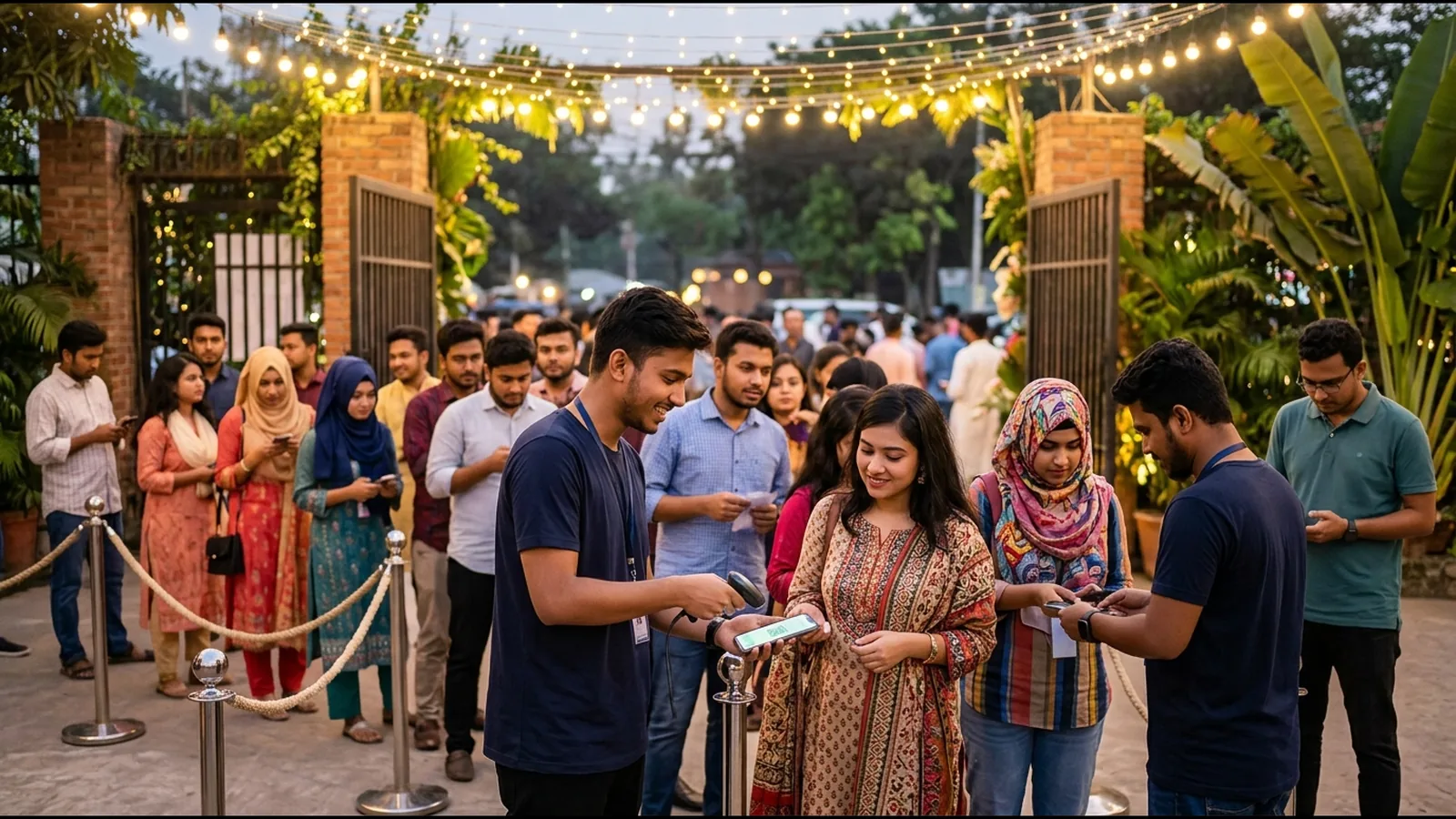
Scan QR tickets
Every ticket has a QR code. Gate staff scan it with a phone and each ticket can be used only once. Quicket Studio, our organizer app, downloads the guest list so scanning keeps working if the connection drops. It is coming to the App Store and Google Play.
7. After the event
Your data stays in your dashboard for the next event.
Attendee list
Download your attendee list as a CSV file to thank people and invite them to your next event.
Sales and revenue reports
See event analytics and a revenue overview, compare events, and export the numbers for your accounts.
Common questions
How do I start selling tickets online in Bangladesh?
Create an organizer account on Quicket, add your event and tickets, add your bank account and publish. Buyers can then pay with bKash, Pathao Pay or a card on your event page.
Can buyers pay with bKash?
Yes. bKash is built into checkout, along with Pathao Pay and cards through SSLCommerz. You don't need to set up your own merchant account.
How much does Quicket cost?
Pricing depends on your event, so we share it on request. Talk to us about your event and we will explain the pricing for it.
When do I get my ticket money?
Payouts are processed after your event and sent in BDT to your verified bank account by our finance team. Contact us to confirm timing for your event.
Can I sell seated tickets?
Yes. Set up a venue plan and buyers pick their own seat on a map. You can also sell general admission in the same event.
How do I check tickets at the gate?
Every ticket has a QR code. Your gate staff scan it with a phone, and a ticket that has already been used is flagged. Add scanner staff and gates in Gate management.
Do I get the attendee details?
Yes. You see each order in your dashboard and can download the attendee list as a CSV file.
Pricing on request
Every event is different, so we quote pricing for yours. Tell us about the event and we will walk you through it.