

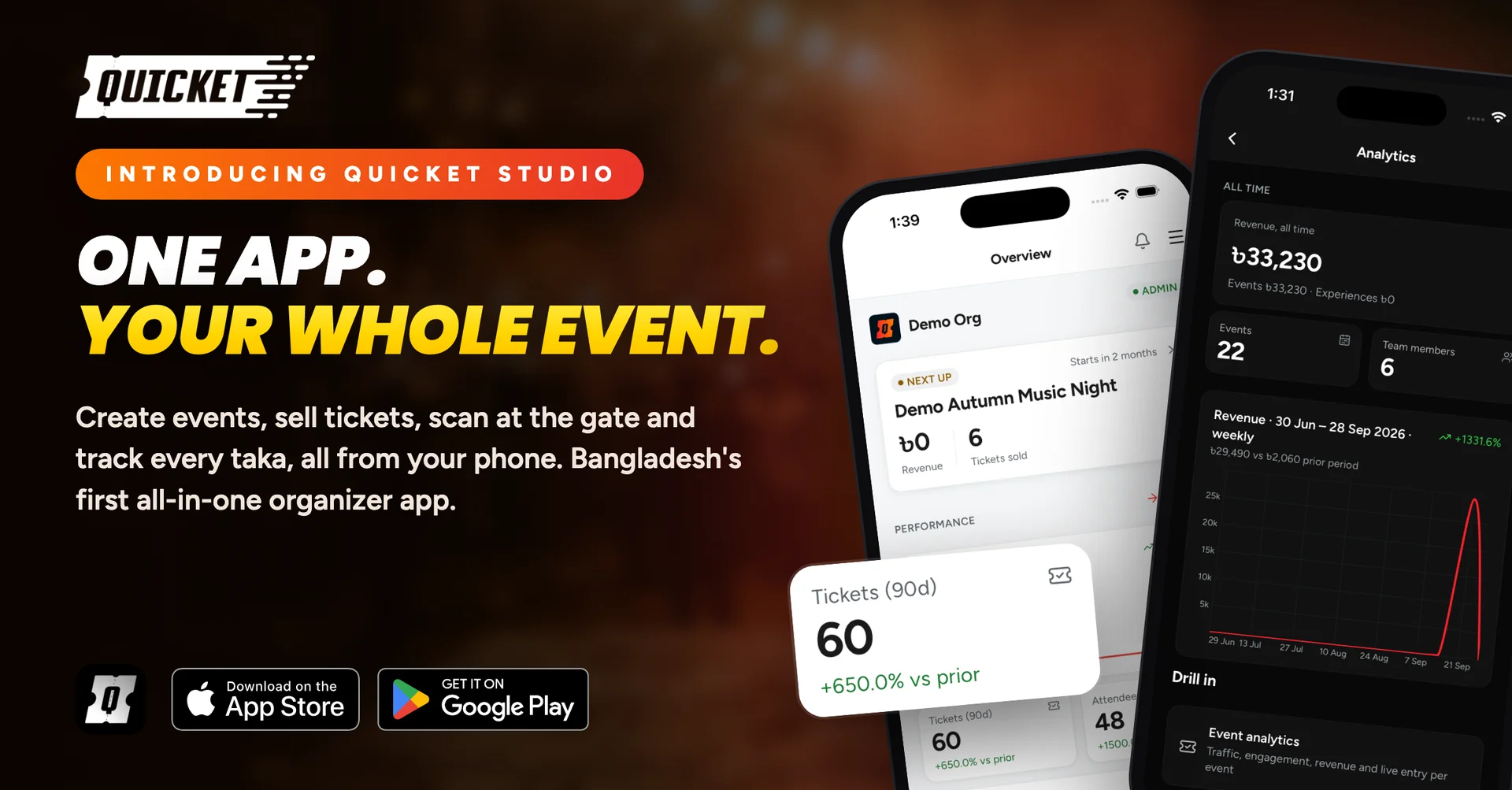
Show day in your pocket: running an event with Quicket Studio
Run events from your phone with Quicket Studio. Create and sell tickets, track revenue, answer attendees, and scan at the gate, even offline.
If you run events in Bangladesh, you know where the real work happens: in a CNG between the venue and the printer, on the phone with a sponsor, or at the gate with three hundred people in the queue and no signal. Most ticket-selling tools assume you have a laptop open. Quicket Studio is built for the rest of your time.
Studio is the organizer app for Quicket and Bangladesh's first all-in-one organizer app: one place to create the event, sell tickets, watch the money, run the gate, and talk to attendees. The easiest way to see what that means is to walk through one show, from the day the poster lands to the morning after.
Three weeks out: you have a poster, not an event
The designer has just sent the poster on WhatsApp. Normally, this is where you wait until you get back to a computer. With Studio, you open the app and let the AI draft the event: describe the show in a few lines or drop in the poster, and it fills in the basics, the schedule, the tickets, and the content. Each detail shows where it came from, and nothing is created until you tap Create.
Then you finish it properly, still on your phone:
Ticket categories and prices, grouped and ordered, or imported from the sheet you already made.
Combos and add-ons for group entry, family bundles, parking, or merchandise.
Coupons and access codes for sponsors, early birds, and the invite-only tier.
The lineup, FAQs, gallery, and partners, plus a schedule across several days if it is a festival.
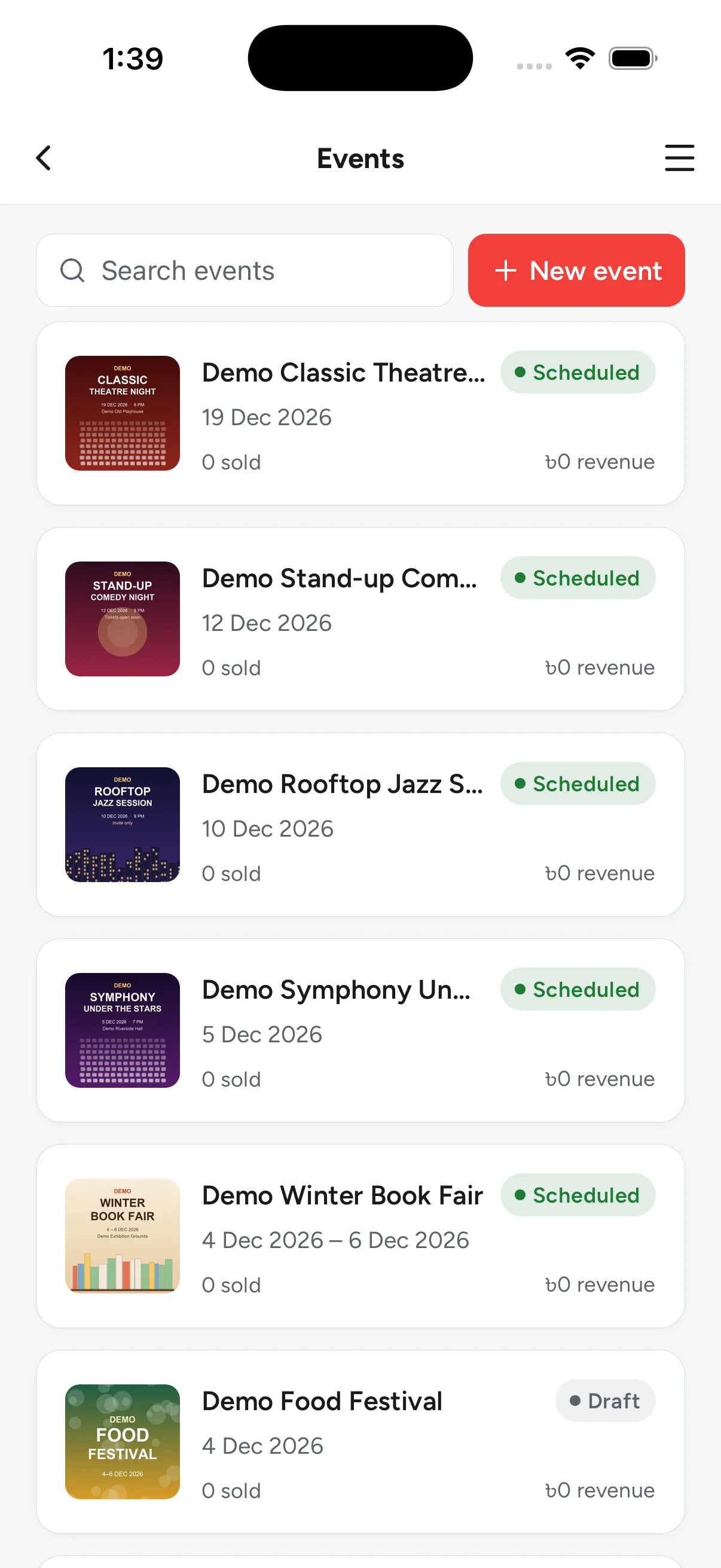
A checklist on the event page tells you what is still missing before it can sell, so nothing goes live half-finished.
Two weeks out: is it selling?
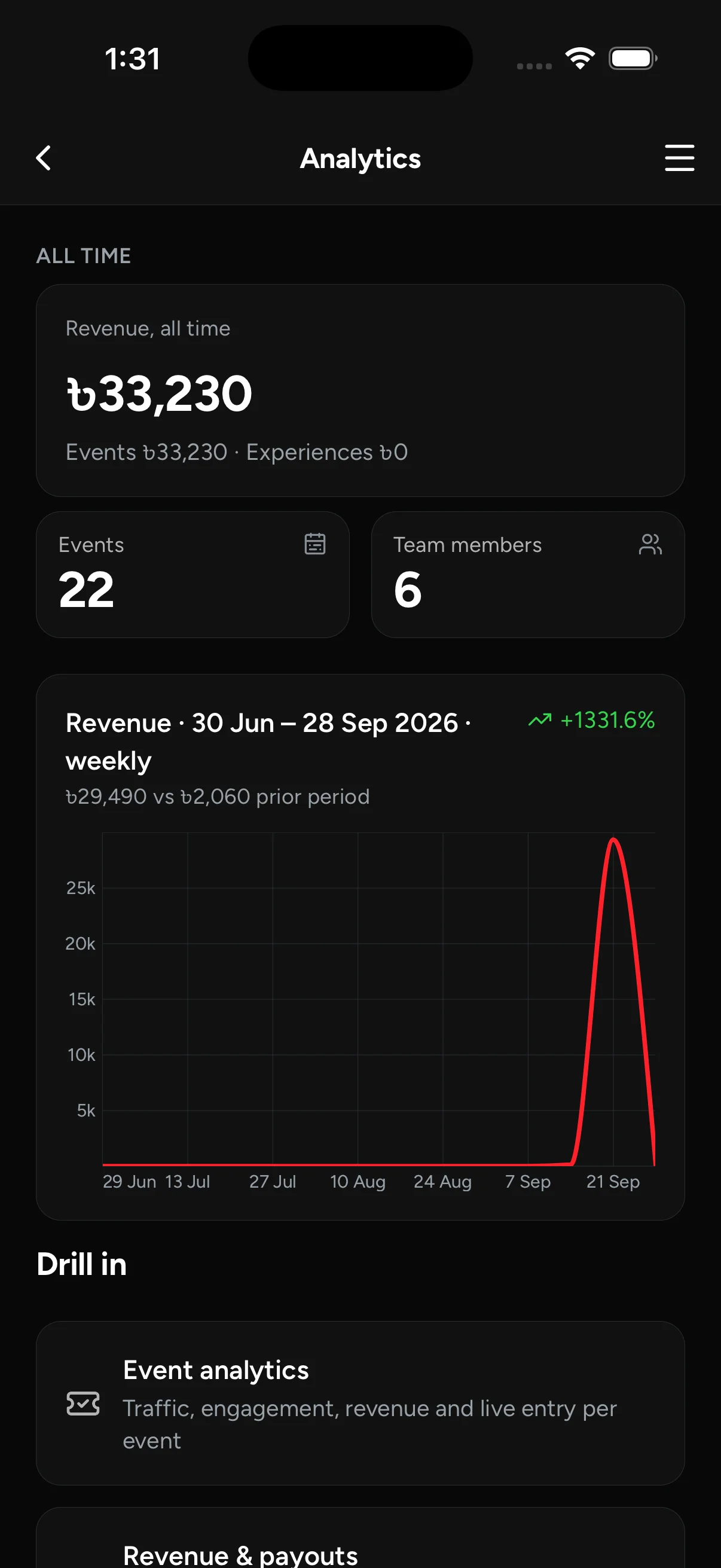
This is the question everyone asks you ten times a day. Studio answers it before they do. The overview shows tickets sold and revenue for your next event, and the analytics go further: traffic, sales, and attendee behavior per event, with a side-by-side comparison against your last two shows.
It also tells you where the sales come from. Create short qkt.me links with UTM tags for Facebook, Instagram, and each partner page. Add your Meta Pixel or Google Analytics to the event page, and approve affiliates from the app. Abandoned carts show you who nearly bought.
One week out: time to push
Send an update by SMS or email to your buyers or to a list you upload, with a preview of how many SMS segments it will use before you pay. Set an automation to release the next ticket tier, or switch a coupon on, at a set time, so the price goes up on schedule even if you are asleep.
Show day, afternoon: everyone has a question
Where is the venue? Can I change my name on the ticket? Is there parking? Questions arrive from the chat on your event page, your organizer microsite, and email. Studio puts them all in one inbox. Assign one to a teammate, snooze it, resolve it, or use an AI-suggested reply for the question you have already answered forty times. Refund and transfer requests are handled from the same app.
Your team works from the same place. Each person gets only the access they need: the gate crew sees the scanner, the marketing person sees marketing, and nobody else sees your payouts. A shared task board keeps the setup on track, and push notifications tell you when something needs you. Need to let in artists, sponsors, or press? Issue their passes from the app.
6 pm: doors open
Now Studio is your scanner. Give gate access to the people working the door, point the camera at a ticket's QR code, and the guest is in. Phone dead? Look them up by name or order number.
Venue internet in Dhaka is a gamble, so Studio does not bet on it. Download the guest list before doors open and keep scanning with no connection. The scans sync when the phone is back online. Meanwhile, you can watch live entry numbers and each scanner's count from wherever you are standing.
Midnight: how did it go?
Ask the AI assistant. It reads your live sales, revenue, attendees, and payouts, and it can draft the thank-you email. If it suggests a change, nothing happens until you tap Apply.
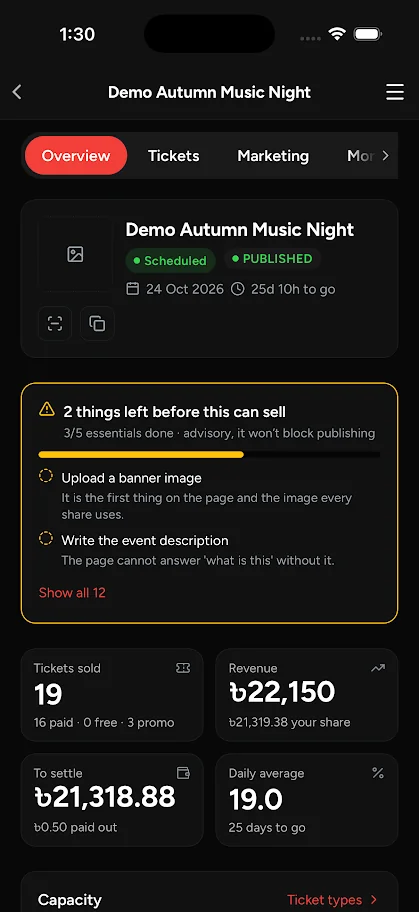
Open the event for the full picture: tickets sold, revenue, your share, what has already been settled, and what is still to come, with a statement you can export.
A few things stay on the big screen
Drawing a seat map in the venue designer and formatting long event descriptions are still done on the Quicket organizer dashboard on the web. Everything else you need between the poster and the morning after is in your pocket, in Bangla or English.
Get Quicket Studio
Download it from Google Play or the App Store and sign in with your Quicket organizer account. New to Quicket? Create your account on quicket.me and run your next show from your phone.